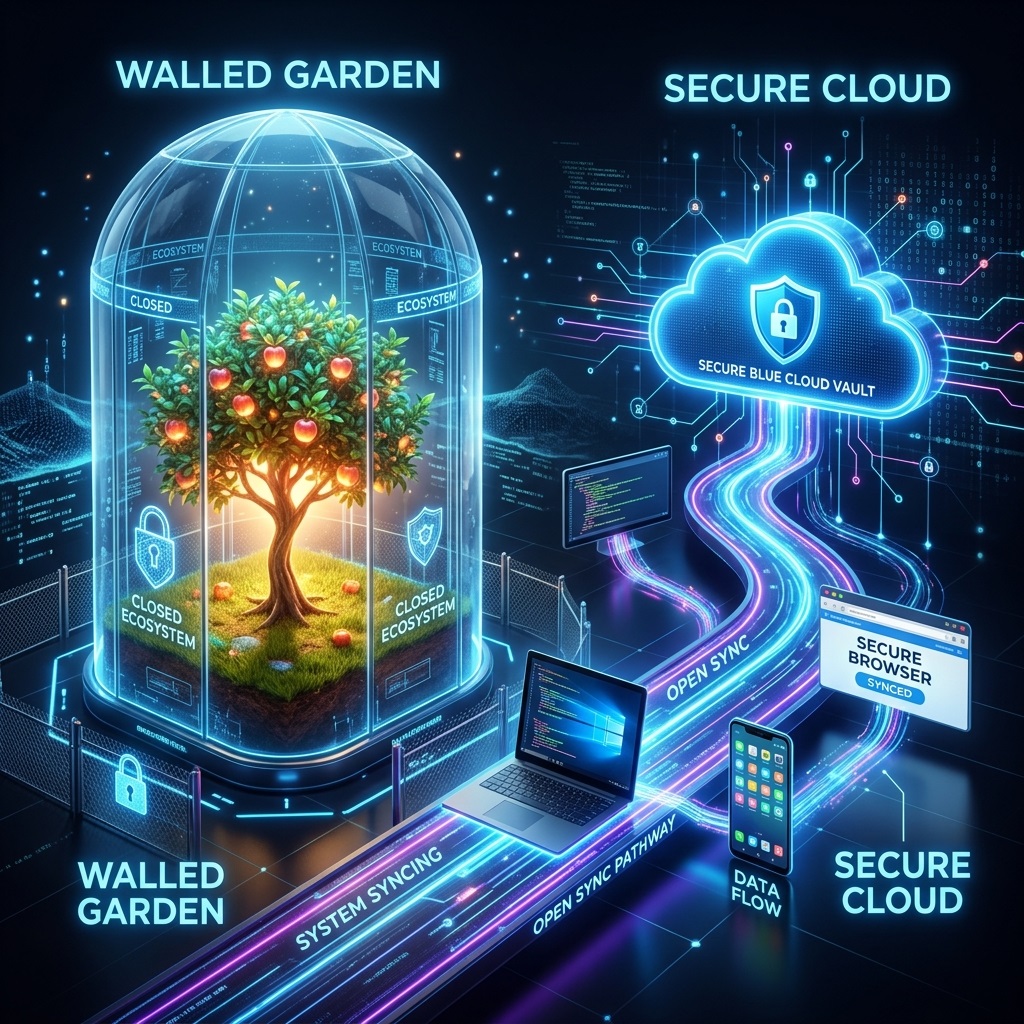
Breaking Free from Apple's Walled Garden
Apple iCloud is engineered to work well as long as you remain completely inside Apple's hardware boundary. However, the moment your digital workflow involves a Windows workstation for gaming or 3D rendering, an Android smartphone for travel or work, or non-Apple colleagues, iCloud becomes a bottleneck. The iCloud web interface enforces arbitrary 50GB file upload limits, and the iCloud for Windows desktop utility is notoriously slow and prone to synchronization freezes.
QuixiCloud is built from the ground up for cross-platform fluidity. With the official QuixiCloud Sync app live on the Apple App Store, native Android background sync, zero-disk virtual drive mounting for Windows PCs, and unrestricted high-speed web access, you get the seamless media backup of iCloud without the ecosystem lockdown.
2026 Head-to-Head Comparison: QuixiCloud vs. Apple iCloud+
| Feature / Metric | QuixiCloud (Global) | Apple iCloud+ | Advantage |
|---|---|---|---|
| 2TB Annual Pricing | $34 / year (€34/yr flat) | $119.88 / year ($9.99/mo) | QuixiCloud saves $85+/yr (71% off) |
| Ecosystem Freedom | iOS, Android, Windows, Mac, Linux | Restricted Apple Hardware | Zero hardware lock-in |
| iOS App Availability | QuixiCloud Sync (App Store) | Built-in Apple Photos/Files | Native iOS integration on both |
| Android Auto-Backup | Full background photo/video sync | No native Android app | Cross-platform family sync |
| Windows PC Client | Fast virtual drive (0 KB disk used) | Buggy legacy iCloud for Windows | Instant local file streaming |
| Max Single File Size | Unlimited (500GB+ verified) | 50 GB web upload cap | No media file size caps |
| S3 Compatible API | Full S3 & WebDAV API support | Proprietary Apple API only | Developer, NAS & script ready |
| Zero-Knowledge Privacy | Client-side AES-256 keys | Advanced Data Protection optional | Strict privacy by default |
| Ransomware Protection | 365-day version rollback | Limited 30-day trash retention | Enterprise disaster recovery |
Detailed Cost Breakdown: Save Over 70% Annually
Apple iCloud+ does not offer an annual plan discount—subscribers are billed $9.99 every month for the 2TB plan, accumulating to $119.88 every year.
QuixiCloud offers the same 2TB high-performance cloud storage for just $34 per year (€34/year in Europe).
- Apple iCloud+ (2TB): $9.99/month × 12 = $119.88/year
- QuixiCloud 2TB: $34/year
- Annual Savings: $85.88 (Over 71% cheaper)
There are no confusing tiers, no hidden per-seat fees, and no artificial feature restrictions. Every QuixiCloud plan includes full multi-device synchronization, high-speed streaming, and developer API access.
Official iOS Support: QuixiCloud Sync on the Apple App Store
Switching to QuixiCloud does not mean sacrificing your native iOS experience.
The official QuixiCloud Sync application is live on the Apple App Store (id6817630932), engineered 100% natively with modern Swift, SwiftUI, and SwiftData:
- Ultra-Compact ~2–3MB App Footprint: Download size is just ~2 MB to 3 MB via Apple App Thinning (compared to 150MB–250MB for bloated competitor apps). Built with zero third-party tracking or advertising SDKs.
- True System-Level Background Sync: Powered by native
URLSessionbackground upload daemons andBGTaskScheduler(com.quixicloud.sync.bgprocess), continuing transfers even when closed, locked, or after a phone reboot. - Automatic Bit-for-Bit Camera Roll Backup: Automatically sync full-resolution ProRAW photos (DNG), Live Photos, and 4K/8K ProRes videos without any downsampling or quality degradation.
- Strict 2-Step Verified Space Saver: Safely frees up physical iPhone storage only after a pre-flight WebDAV handshake confirms remote byte parity against your cloud vault.
- Smart Battery Shields: Automatically halts uploads during iOS Low Power Mode, when battery falls below your custom threshold (e.g. 20%), or when off Wi-Fi.
- Hardware Secure Enclave Vault: Protects your private media vault behind native Face ID or Touch ID authentication via Apple's
LocalAuthenticationframework.
Freedom for Mixed-Device Households and Remote Teams
Modern households and professionals rarely use hardware from a single vendor. You might carry an iPhone, work on a high-performance Windows PC, and collaborate with team members using Android or Linux.
- With iCloud: Windows synchronization is notorious for sync collisions, delayed uploads, and missing thumbnails. Android devices have zero native app access, forcing users onto a stripped-down browser interface.
- With QuixiCloud: Every operating system receives a first-class native client. Your Windows PC mounts QuixiCloud as a virtual drive without consuming local SSD space. Android devices back up media continuously. Files are accessible everywhere in real time.
Zero-Knowledge Hardware Encryption & 365-Day Rollback
While Apple introduced Advanced Data Protection (ADP), it is not enabled by default, and legacy components of iCloud backups remain accessible to automated server scanners.
QuixiCloud implements hardware-level AES-256 encryption across all storage tiers. In addition, QuixiCloud features 365 days of version history and ransomware recovery:
- If your laptop or mobile phone is hit by ransomware or files are accidentally deleted, your QuixiCloud vault can be rolled back to any clean checkpoint within 365 days.
- Share files with end-to-end security, view-only modes, custom access passwords, and automated expiration timers.
Developer & NAS Integration: S3 & WebDAV Out of the Box
Apple iCloud provides no API access for external tools, making it impossible to connect to home servers, Synology or QNAP NAS units, or automated backup scripts.
QuixiCloud includes a complete AWS S3-compatible API and WebDAV interface:
- Mount cloud buckets directly to backup utilities like Cyberduck, Rclone, or Arq.
- Automate continuous off-site backups for homelabs and development environments.
- Move multi-gigabyte files with multi-threaded parallel upload pipelines.
Frequently Asked Questions (FAQ)
Can I install QuixiCloud on my iPhone and iPad?
Yes. QuixiCloud Sync is officially available on the Apple App Store (Search "QuixiCloud Sync" or visit Apple App Store). It supports iOS 15+ and iPadOS.
How do I move my photo library from iCloud to QuixiCloud?
You can export your photo library via Apple's Privacy & Data portal (privacy.apple.com) or sync directly using the QuixiCloud desktop client on your Mac or Windows PC. Once imported, install QuixiCloud Sync on your iPhone to handle all future camera roll backups automatically.
Is QuixiCloud really over 70% cheaper than Apple iCloud+ 2TB?
Yes. Apple iCloud+ 2TB costs $9.99 per month ($119.88 annually). QuixiCloud 2TB costs $34 for a full year. You save over $85 every year while gaining true cross-platform compatibility across Windows, Android, and Linux.
Does QuixiCloud impose single file upload limits?
No. While Apple iCloud caps web uploads at 50GB per file, QuixiCloud has no arbitrary single file size limits. You can upload large 4K video exports, virtual machine images, and raw archive containers of any size.