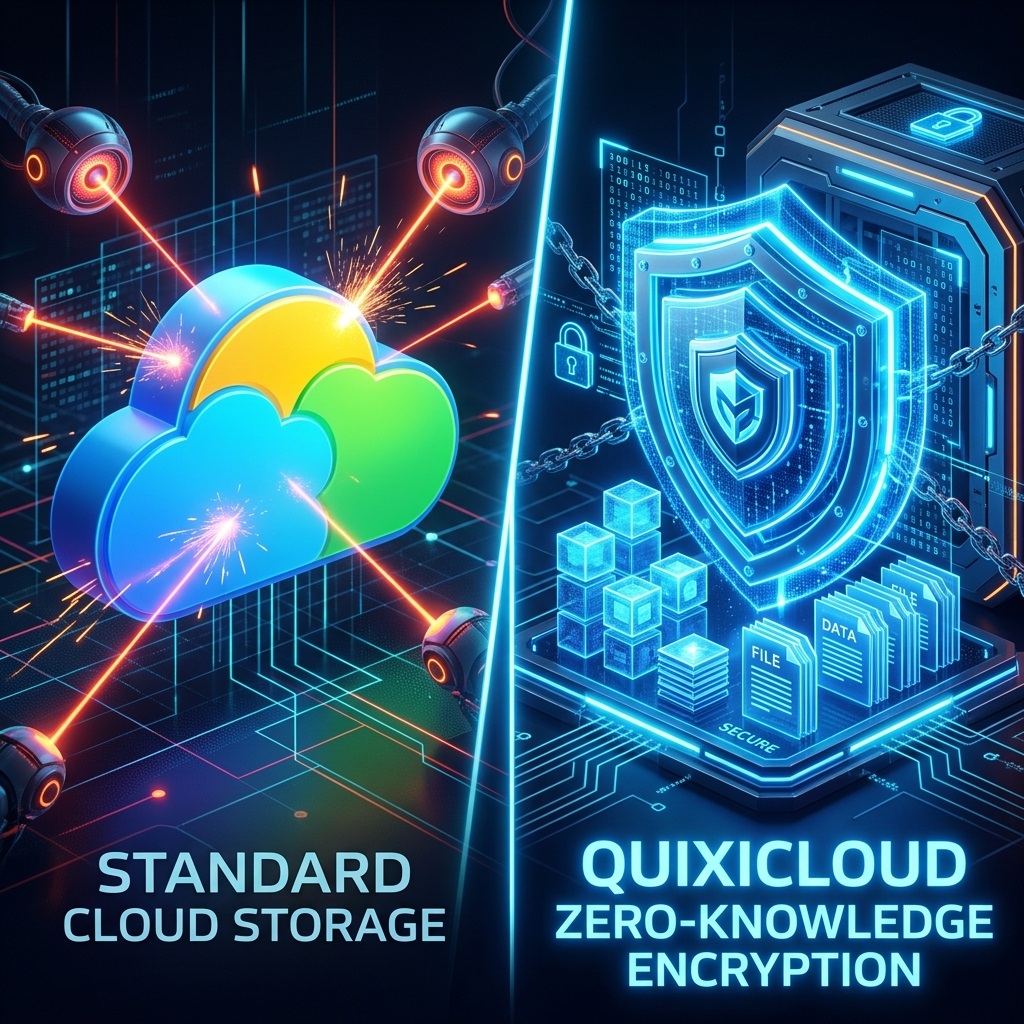
The Reality of "Free" Storage
Google Drive is the default choice for millions simply because it comes pre-installed on Android devices and integrates with Gmail. However, this convenience comes at a steep price: your privacy. Google's business model relies on data scanning, and because they hold the encryption keys to your cloud drive, your personal documents, photos, and files are technically accessible to their automated systems.
QuixiCloud offers a completely isolated, privacy-focused sanctuary where your data belongs strictly to you.
Core Architecture: Single-Tier Value vs. Storage Tiers
Google Drive constantly nudges users to upgrade their Google One subscriptions, locking more space behind escalating monthly tiers. If your data requirements grow, so does your bill.
QuixiCloud eliminates this friction entirely by offering a unified, single-tier proprietary plan. There are no confusing pricing calculations or artificial feature gates—every premium feature and high-performance repository is unlocked immediately upon signing up.
Sync Engine: Device Isolation vs. Main Directory Clutter
When you sync multiple devices to Google Drive, files often end up cluttered in a single shared main directory, making organization chaotic.
The QuixiCloud Sync mobile application solves this by creating dedicated, device-isolated storage vaults. Files from your primary desktop, phone, and tablet remain compartmentalized, entirely preventing cross-device file path conflicts while preserving a clean directory structure.
Mobile Architecture: Native Lightweight Sync vs. AI-Scanning Google Services
The mobile experience highlights the stark architectural contrast between the two platforms:
- QuixiCloud Sync (100% Native Kotlin & Swift): Built with Jetpack Compose (Target SDK 37 / Android 15+) and native SwiftUI. The App Store footprint is an ultra-compact ~2 MB to 3 MB (compared to 180MB+ for Google Drive/Photos). Features real-time
MediaStoreObserverdetection, zero battery-draining polling, and an Android 14+ ForegroundMirrorServicethat prevents OS battery managers from killing uploads mid-flight. - Google Drive & Google Photos: Heavy background services that routinely scan media files for AI training and facial classification, draining battery and consuming substantial memory.
- Zero Quality Loss (Bit-for-Bit): QuixiCloud never downsamples or re-compresses photos or 4K/8K ProRes videos into "Storage Saver" formats. Every byte matches the exact camera sensor output.
- Auto-Reclaim Storage: Safely frees up local phone storage only after verified remote cloud confirmation.
Security Breakdown
- Google Drive: Server-side encryption where Google retains the keys. Vulnerable to data scanning and sudden account lockouts due to automated content filters.
- QuixiCloud: App Passwords secured by AES-256 hardware-level encryption managed via the device's secure Keystore. High-speed file infrastructure protected by enterprise-grade server firewalls.