Ransomware Protection for Cloud Storage
Ransomware Protection for Cloud Storage
Ransomware has become one of the most devastating cybersecurity threats of the modern era. These malicious programs infect your computer, quietly encrypt your personal files, and then demand a hefty ransom payment in cryptocurrency in exchange for the decryption key.
But what happens when your local files are synced to the cloud? Can ransomware infect your cloud storage, and more importantly, how can you protect yourself?
The Cloud Storage Vulnerability
A common misconception is that simply having your files in the cloud protects them from ransomware. Unfortunately, this is not always true.
Most cloud storage services rely on desktop sync clients. These applications monitor a specific folder on your computer and automatically upload any changes to the cloud. If your computer is infected with ransomware, the malicious software will encrypt your local files. Your cloud sync client, doing exactly what it was programmed to do, will view these newly encrypted files as "updates" and immediately sync them to the cloud.
Within minutes, the healthy files in your cloud storage are overwritten by the ransomware-encrypted versions.
How to Protect Your Cloud Data
To survive a ransomware attack without paying the criminals, you need a cloud storage provider that offers robust versioning and recovery tools.
The Lifesaver: File Versioning and Recovery
The most critical defense against ransomware in the cloud is comprehensive file versioning. When an encrypted file is synced to the cloud, a provider with versioning doesn't delete the original file; it simply saves the encrypted version as the "latest" version and keeps the healthy, unencrypted version in its history.
If you are hit by ransomware, you can simply log into your cloud provider's web interface (from a clean, uninfected device) and roll back your files to the state they were in before the attack occurred.
QuixiCloud's 60-Day File Recovery Feature
When it comes to disaster recovery, time is of the essence. QuixiCloud is engineered to give you the ultimate safety net.
In addition to being an excellent privacy-first alternative offering advanced AES-256 encryption, QuixiCloud features an industry-leading 60-day file recovery system.
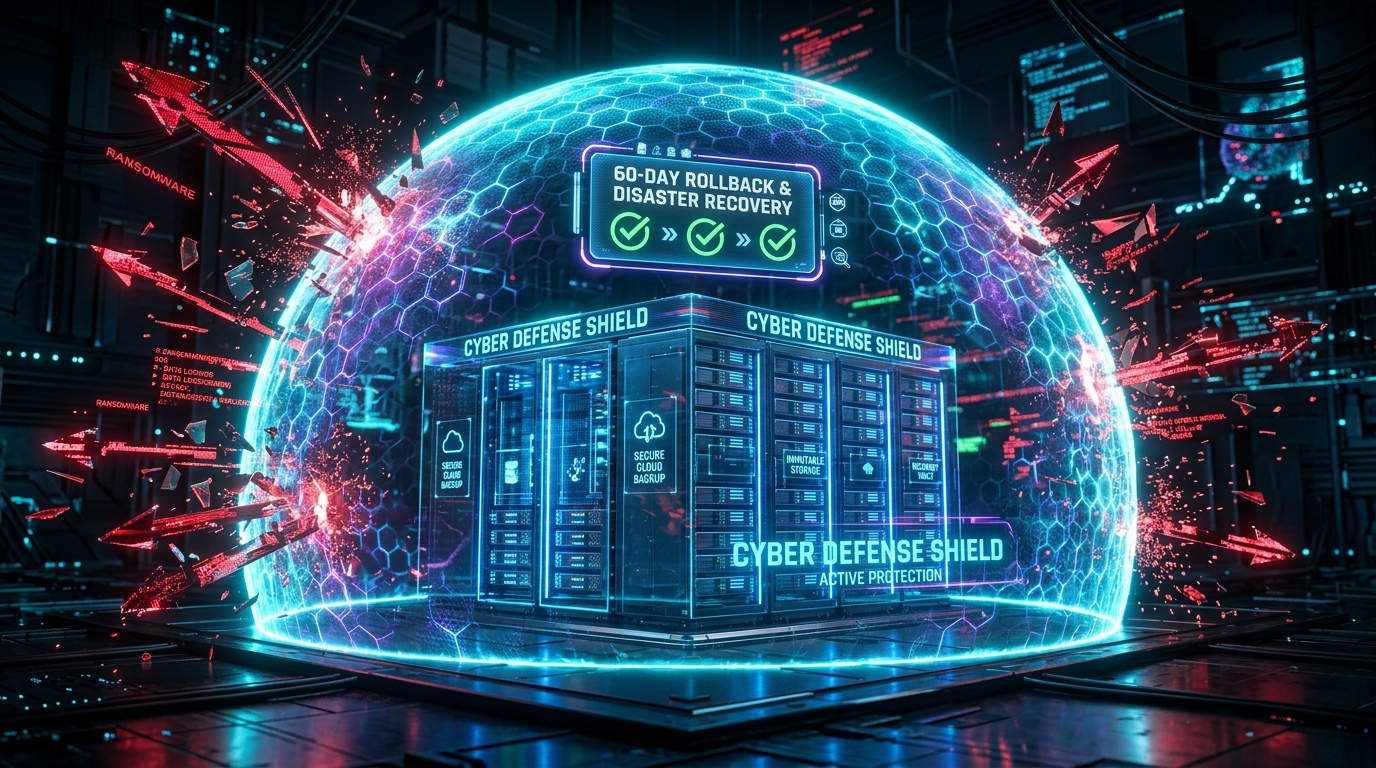
If ransomware encrypts your local drive and syncs the corrupted files to QuixiCloud, you have a full 60 days to recover the original, healthy versions of your data. Our intuitive recovery interface allows you to easily restore individual files, entire folders, or even your entire account to a specific point in time before the infection hit. This ensures that a ransomware attack is nothing more than a minor inconvenience, rather than a catastrophic data loss event.
Additional Defense Strategies
While a robust recovery feature like QuixiCloud's 60-day backup is your best safety net, you should also practice proactive defense:
- Keep software updated: Ensure your OS and antivirus software are always up to date.
- Avoid suspicious links: Most ransomware is delivered via phishing emails.
- Use offline backups: For truly critical data, maintain an occasional offline backup on an external hard drive that is physically disconnected from your computer.
By understanding how ransomware interacts with cloud storage and choosing a provider equipped with powerful recovery tools, you can keep your digital life safe from extortion.
Next Steps in Data Privacy
True data security requires a robust infrastructure. Explore QuixiCloud Secure Cloud Storage to see how our strict privacy-first architecture and advanced AES-256 encryption keep your sensitive information completely safe.
Explore More: Best Encrypted Cloud Storage · Best Secure Cloud Storage · Secure Cloud Storage Solution
Written by QuixiCloud Security Team
The QuixiCloud Engineering Team is dedicated to building secure, scalable, and privacy-first cloud storage solutions.