How to Connect and Back Up Unlimited Mobiles to One Cloud Storage (Android & iOS)
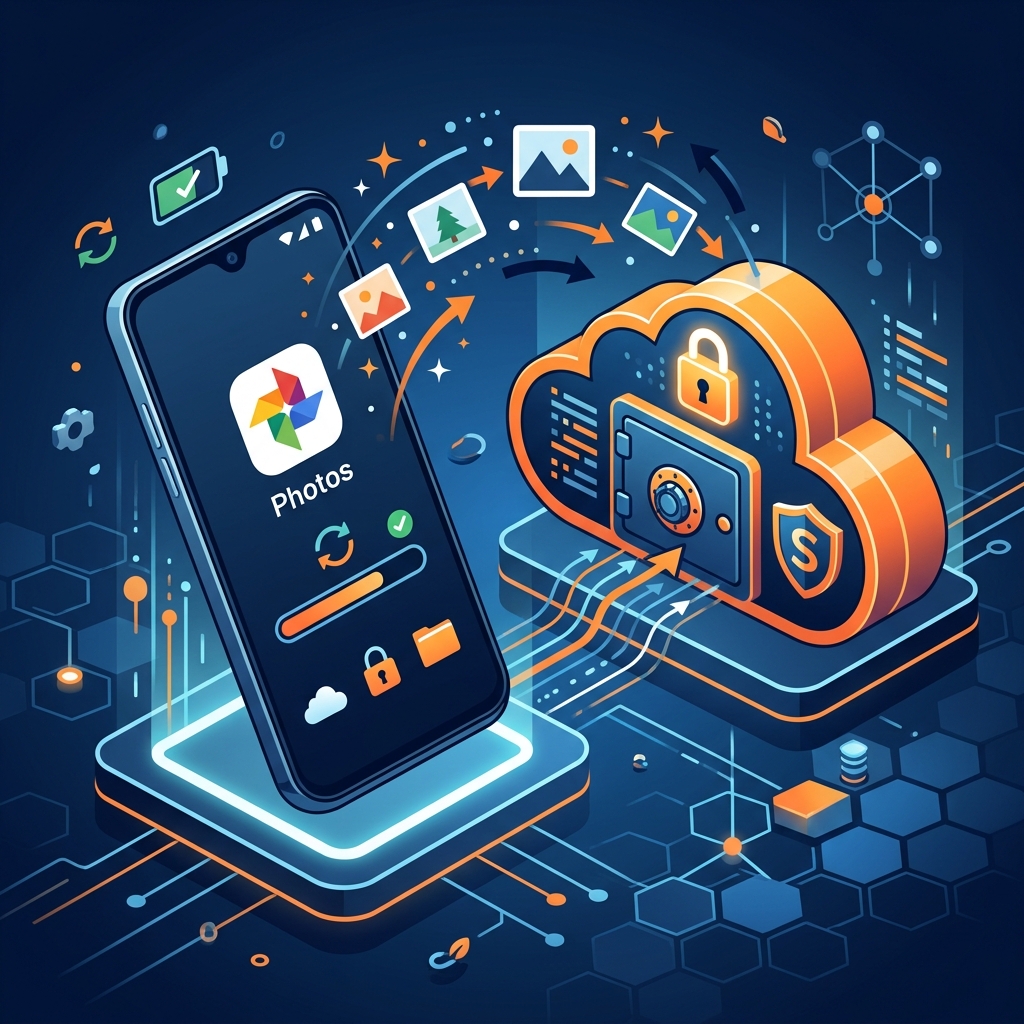
How to Connect and Back Up Unlimited Mobiles to One Cloud Storage (Android & iOS)
In a world where almost everyone carries multiple smartphones—a personal Android, a company-issued iPhone, an iPad for notes, and family devices—backing up all those photos and videos has become a costly, fragmented nightmare.
Most mainstream cloud providers impose artificial device limits or force you into expensive "per-seat" business licenses or cumbersome family plans just to back up more than a couple of phones.
Here is why connecting unlimited mobile devices under a single cloud storage account is changing the game, and how QuixiCloud makes it seamless across both Android and iOS with zero extra per-device charges.
The Hidden Trap: "Per-Device" and "Per-User" Licensing
Traditional cloud storage platforms were built around a desktop-first world, and their pricing models reflect that legacy. When you look closely at big-brand providers:
- Google One: While you can share a storage pool with family members, every member must have an independent Google account. If you personally own three phones (e.g., personal, work, testing), you are forced to juggle multiple logins and account switches.
- Apple iCloud+: Strictly locks backups to Apple devices. If half your household uses Android and half uses iOS, you are forced to pay for two separate cloud subscriptions every single month.
- Dropbox and Box: Slap you with "per-user seat fees" ($15–$25/month per user) as soon as you want multi-device team syncing, making multi-device photo collection unaffordable.
The result? You end up paying for multiple subscriptions, yet each device still complains that its individual cloud storage is almost full.
One Account. Unlimited Mobile Devices.
QuixiCloud takes the opposite approach: Storage should be a shared utility pool, not a per-device tollbooth.
When you subscribe to any QuixiCloud plan (such as our popular 2TB plan for just $34/year / ₹3,249/year), you can connect unlimited mobile devices to your account.
- No per-phone seat charges.
- No artificial cap on connected devices.
- No forced family group restrictions.
- Both Android and iOS supported.
Whether you have 2 phones or 10 phones across your personal workflow, family members, or field team, every device logs directly into your centralized QuixiCloud vault and uploads into your shared storage quota.
Native Android & iOS Background Auto-Sync
Backing up unlimited mobile phones is only useful if the backup happens reliably in the background without user intervention. QuixiCloud’s native mobile apps are engineered specifically for modern mobile OS constraints:
1. Silent Background Auto-Sync
Unlike web-based uploaders that freeze the moment your phone screen locks or Wi-Fi drops, the QuixiCloud mobile sync engine runs natively. On Android, it utilizes Android WorkManager and foreground mirror services that battery managers won't aggressively kill. On iOS, background refresh captures new shots smoothly.
2. Zero-Compression Original Quality
Big brands often quietly recompress your 4K videos and high-resolution RAW photos into lossy formats to save themselves bandwidth. QuixiCloud uploads every file byte-for-byte in its pure, uncompressed original quality.
3. WhatsApp and Chat Media Auto-Sync
In addition to your camera roll, QuixiCloud automatically monitors local messaging directories (such as WhatsApp Photos, Videos, and Documents) and mirrors them to the cloud. If your phone gets lost or damaged, your conversations' media files are completely safe.
4. Auto-Reclaim Local Phone Storage
Struggling with "Storage Almost Full" popups? QuixiCloud’s built-in Auto-Reclaim feature verifies that a photo or video has safely landed in your encrypted cloud vault before giving you the one-tap option to clean it off your physical phone storage. You instantly reclaim gigabytes of local flash memory.
How to Connect Multiple Phones to QuixiCloud (Step-by-Step)
Setting up backup across all your mobile devices takes under three minutes:
- Create Your QuixiCloud Account: Start with 10GB free at drive.quixicloud.com or choose a yearly plan (such as 500GB or 2TB).
- Install the Mobile App:
- Android: Download the native QuixiCloud app from the Google Play Store.
- iOS: Open QuixiCloud Sync or add the Web App to your home screen via Safari for instant mobile access.
- Log In to the Same Account: Log in using your primary account credentials on Device #1 (e.g., your personal phone).
- Turn On Automatic Backup: In Settings, toggle Automatic Camera Backup and select Wi-Fi Only if you want to conserve cellular mobile data.
- Repeat on Device #2, #3, and Beyond: Install the app on your work phone, tablet, or spouse’s phone and log into the same account. All devices will now quietly feed their camera rolls into your organized cloud vault under dedicated device sub-folders!
Price Comparison: Multiple Devices on QuixiCloud vs Competitors
| Feature / Provider | QuixiCloud (2TB) | Google One (2TB) | Apple iCloud+ (2TB) | Dropbox (2TB) | | :--- | :--- | :--- | :--- | :--- | | Annual Price | $34 / ₹3,249/yr | ~$99 / ₹8,400/yr | ~$120 / ₹10,800/yr | ~$120 / ₹9,600/yr | | Connected Mobiles | Unlimited | Shared pool (limit 5) | Apple ecosystem only | Limited links | | Per-Device Fees | $0 (Zero) | $0 within 5 users | $0 within Apple Family | Extra seats apply | | Android + iOS Cross-Sync | Yes, Seamless | Limited on iOS | Poor on Android | Yes | | WhatsApp Media Backup | Yes | Manual | No | Manual | | Local Space Auto-Reclaim | Yes | Limited | iOS Optimize only | No |
Consolidate Your Mobile Life Today
Stop managing multiple cloud accounts, paying monthly per-device fees, or worrying about phone storage running out during a vacation or work shoot.
With QuixiCloud, you get the freedom to connect all your phones, tablets, and PCs to a single, high-speed, AES-256 encrypted storage vault for a fraction of the big-brand price.
👉 Start backing up your mobile devices for free (10GB) →
👉 View QuixiCloud 2TB and Unlimited Storage Plans →
Written by QuixiCloud Team
The QuixiCloud Engineering Team is dedicated to building secure, scalable, and privacy-first cloud storage solutions.